![eCLogo.png]](https://help.samaritan.com/hs-fs/hubfs/eCLogo.png?height=40&name=eCLogo.png)
- From the Opportunity tab, select the Opportunity and click Calendar
- Double click on the shift to open
- Go to the Automatic Log Book Entries section
- Check the box next to the Sign-In Station
- Click Apply or OK to close
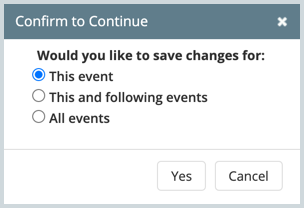
Note: if you have a repeating shift, you will be given the choice to select This event, This and following events, or All events.
💡 Tip: you can apply Sign-In Stations in bulk by using an automation.