![eCLogo.png]](https://help.samaritan.com/hs-fs/hubfs/eCLogo.png?height=40&name=eCLogo.png)
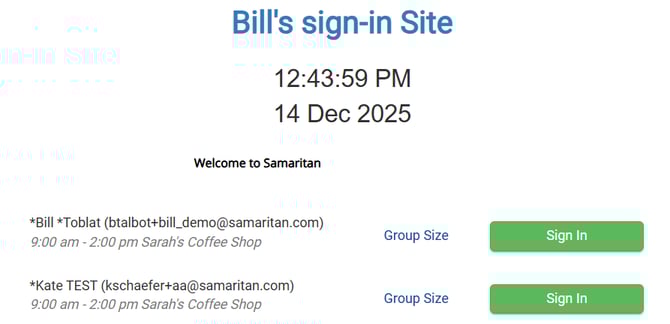
Using the Sign-in Station's Roster mode is a convenient way to allow your volunteers to find their name and sign in with a button click, but sometimes, there may be multiple people with the same name. You can now display their email addresses to avoid confusion.
From the Main Menu:
Click on Tools
Click on Administration Options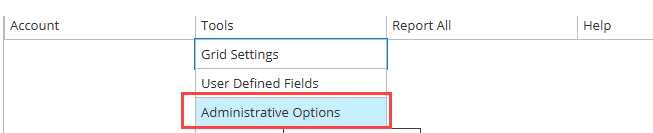
Click on Sign-In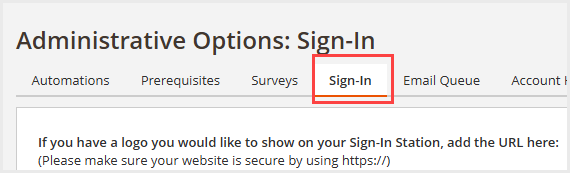
Click on the Sign-In Station you would like to update and edit it
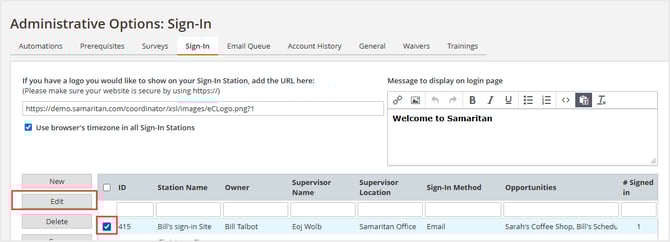
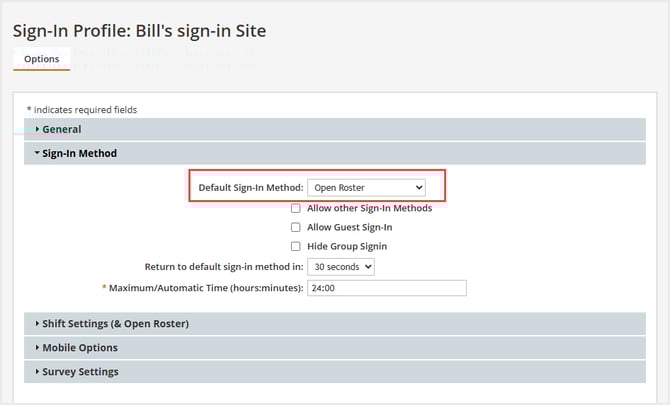
Make sure that your Sign-In Method is set to Roster Mode
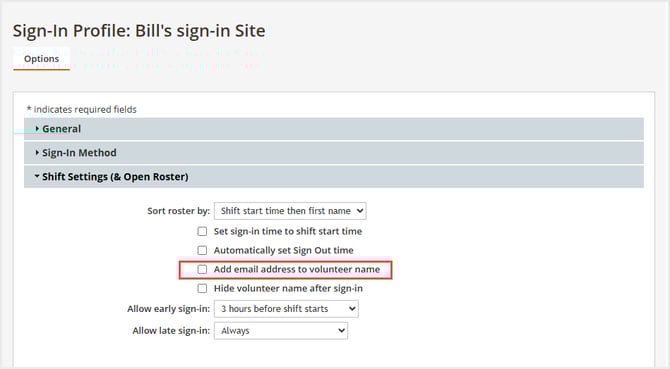
Click on the Shift Settings, then check the option: Add email address to volunteer name
Here is what will be displayed when your volunteers access the Sign-In Station